Step 01
HST ပင်မစာမျက်နှာမှစတင်ခြင်း
ပုံမှာပြထားတဲ့အတိုင်းမိမိ သွားလိုတဲ့ စာမျက်နှာကိုရွေးချယ်ပါ Moblile Phone များအတွက် ညာဘက် အပေါ်ဘက်ထောင့်မှ" - " ပုံစံသုံးခုအားနိုပ်ပေးပါ။
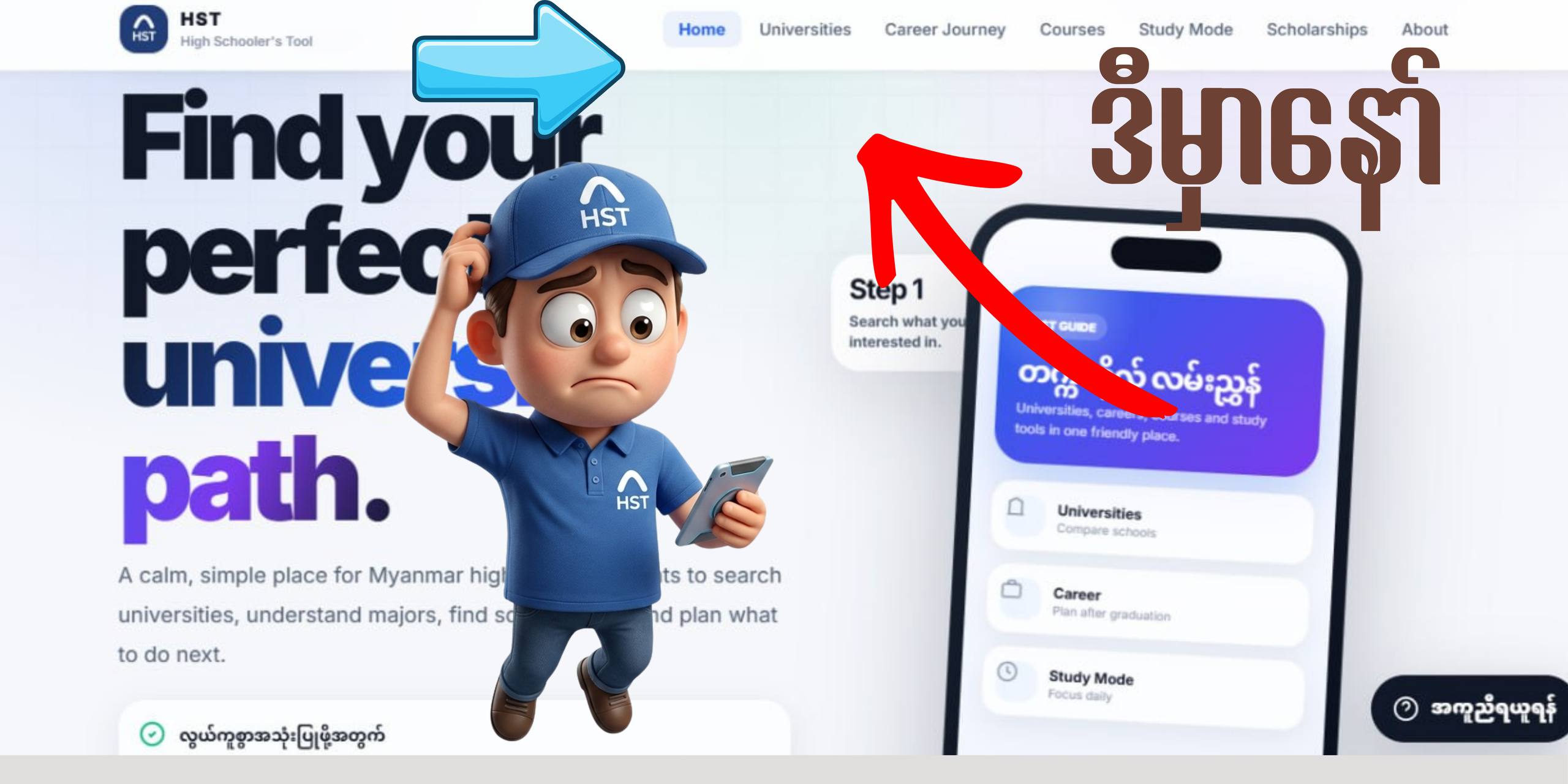
Home page screenshotAdd home-screenshot.png beside this file
ရှင်းလင်းသောရည်မှန်းချက်၊ စနစ်ကျတဲ့ပြင်ဆင်မှု၊ မဝေးတဲ့အနာဂါတ်
အဆင်မပြေမှုတစ်စုံတစ်ရာရှိပါက highschoolertoolmm@gmail.com (သို့မဟုတ်) Report Data မှတစ်ဆင့် ပေးပို့အကြောင်းကြားနိုင်ပါသည်။
ပုံမှာပြထားတဲ့အတိုင်းမိမိ သွားလိုတဲ့ စာမျက်နှာကိုရွေးချယ်ပါ Moblile Phone များအတွက် ညာဘက် အပေါ်ဘက်ထောင့်မှ" - " ပုံစံသုံးခုအားနိုပ်ပေးပါ။
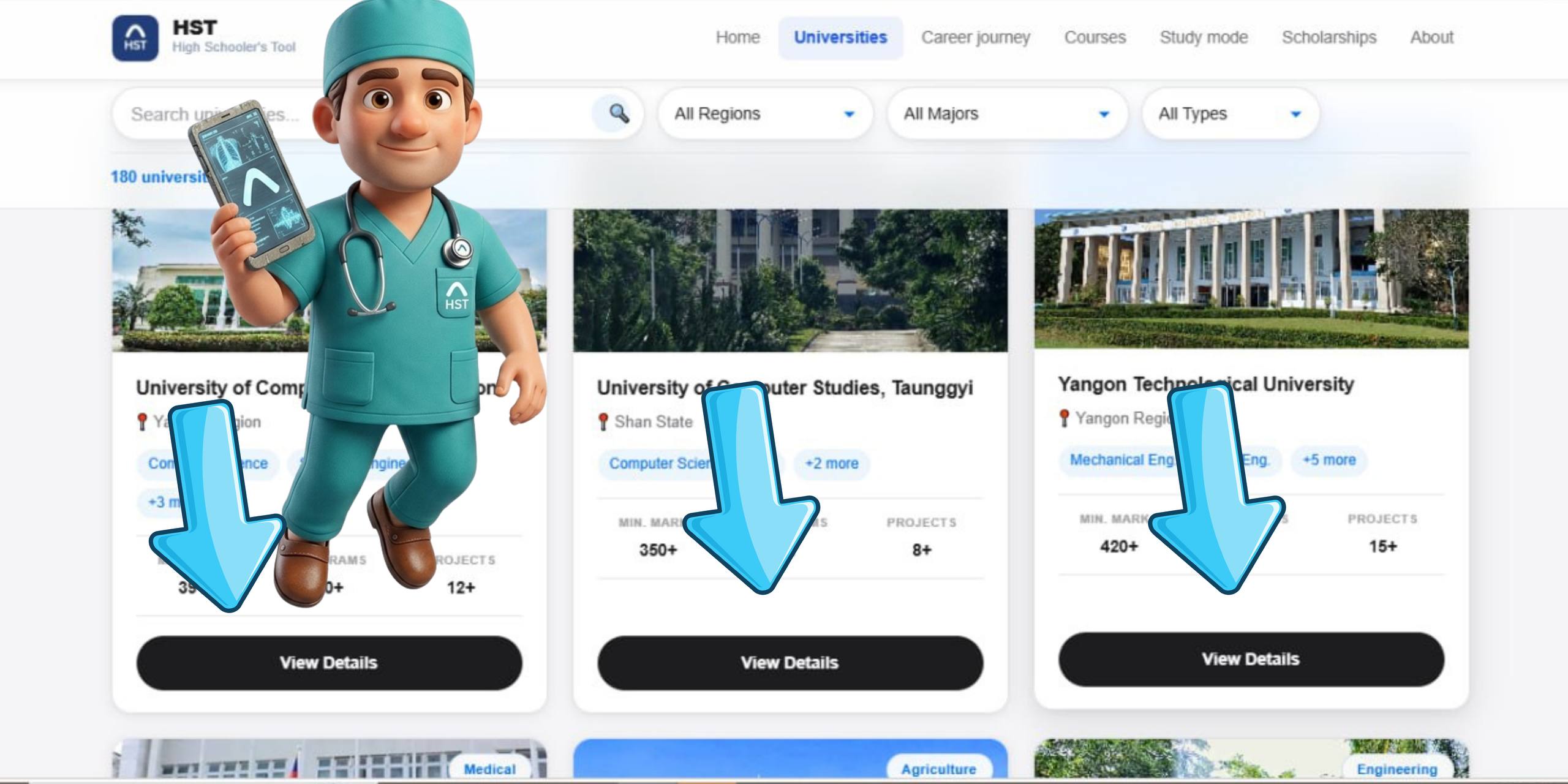
မိမိနှစ်သက်ရာ တက္ကသိုလ်ကိုရွှေးချယ်ပြီး View detail ကိုနိုပ်ပါ။
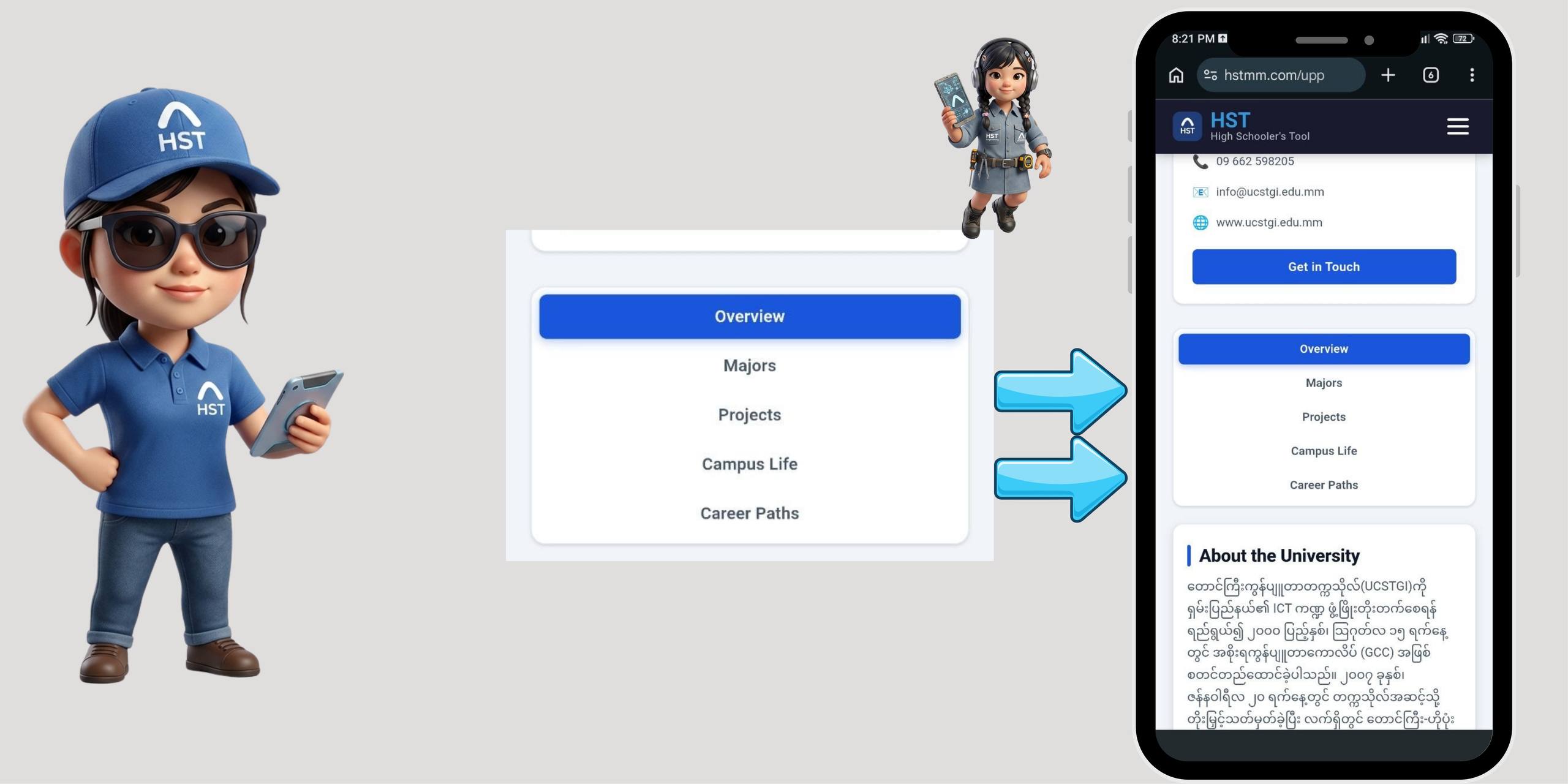
Page ထဲမှာ Overview Majors Projects Campus Life Career Paths စတဲ့ Tap လေးတွေကိုသုံးပြီးကိုယ်သိချင်တာတွေရှာဖတ်လို့ရတယ်ဆိုတာသိထားနော်။
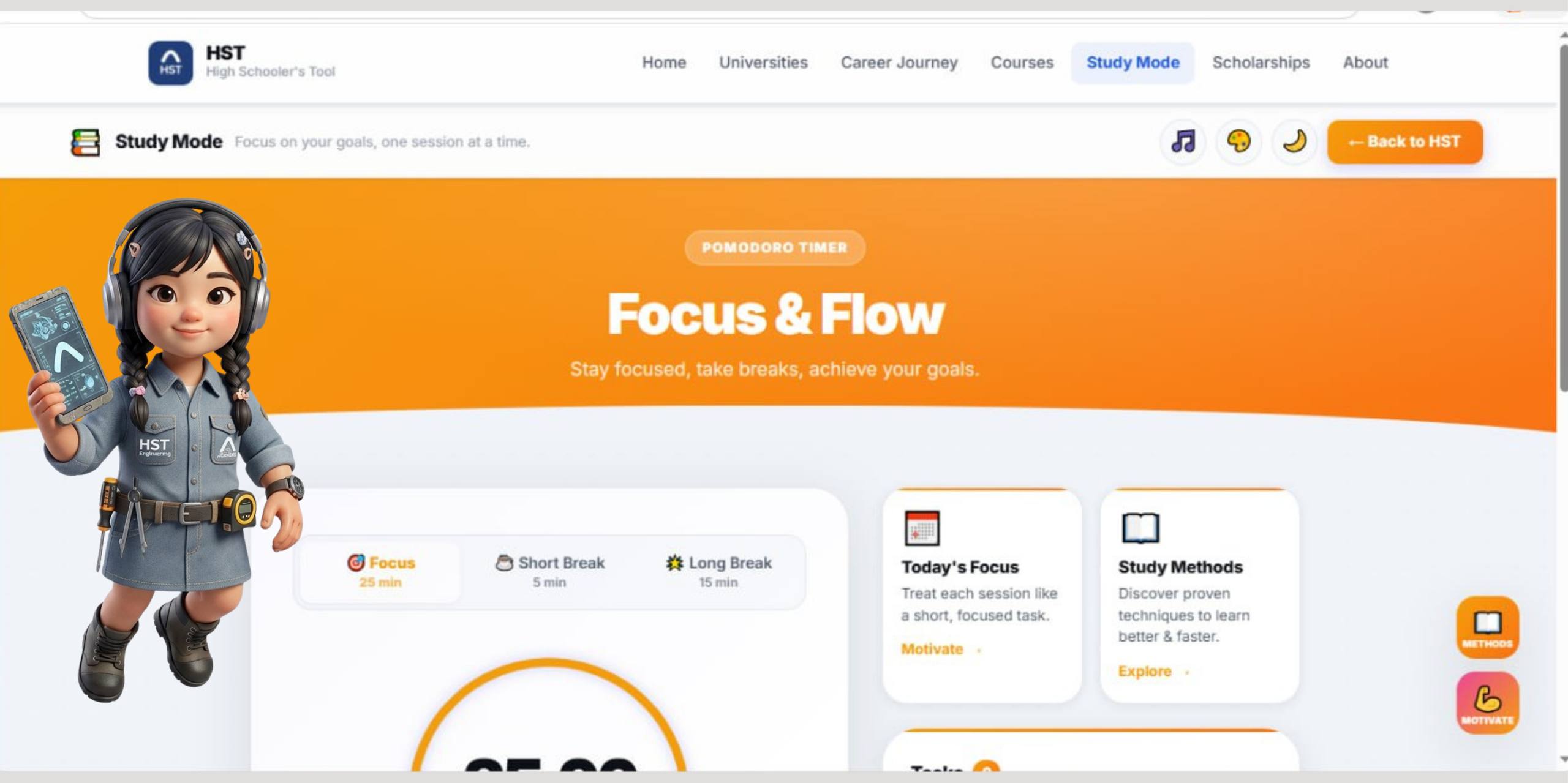
Study mode page ကိုသွားပြီးမိမိနှစ်သက်သလိုအသုံးပြုနိုင်ပါတယ်။
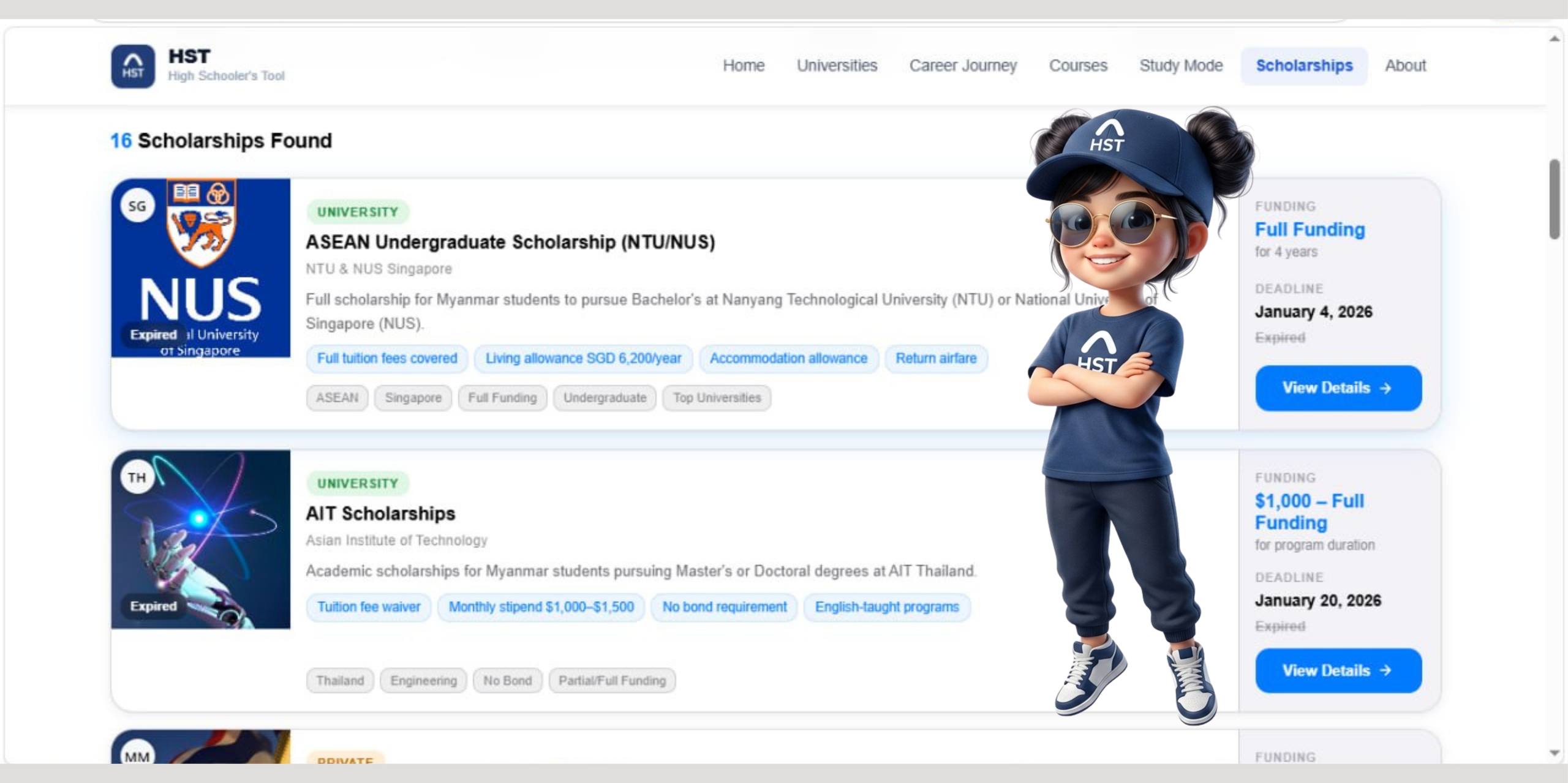
မိမိနဲ့ကိုက်ညီမယ့် Sholarships ကိုရွေးချယ်ပြီး ပြင်ဆင်ဖို့အတွက် အချက်အလက်များစွာပါဝင်ပါတယ်။
Learn what HST is and how it helps Myanmar students choose universities, careers, and scholarships. Open the main menu, browse the sections, and bookmark the pages you use most.
Use the Universities section to explore schools, programs, and entry requirements in Myanmar. Filter by city, field of study, and fee range to quickly find options that match your goals.
Check the Scholarships page to see current opportunities for students in Myanmar. Read the requirements, deadlines, and links, then save the ones you plan to apply for.
The Career Journey section helps you map your skills and interests to suitable careers. Use the steps and examples to think about which subjects and programs will support your long-term plans.
Study Mode gives you focused tools and recommended routines for exam prep and project work. Turn it on during study hours and use the built-in checklist and timer.
The Student Ambassador program lets you share HST with friends and school communities. Read the details, sign up, and use your unique link to invite others and track your impact.
Use the Verify Certificate page to check the authenticity of any HST-issued certificate. Enter the Certificate ID at the bottom of the document and review the result on screen.
Found wrong or outdated information? Use the Report page to tell us what is wrong and suggest updates. Schools and organizations can also propose collaboration with HST here.
Look at the screenshot first to understand the page area.
Read the short instruction beside it and follow the same path in HST.
Return to the feature card whenever you need a reminder.
Everything you need to make better decisions about your university, career, and future — all in one place.